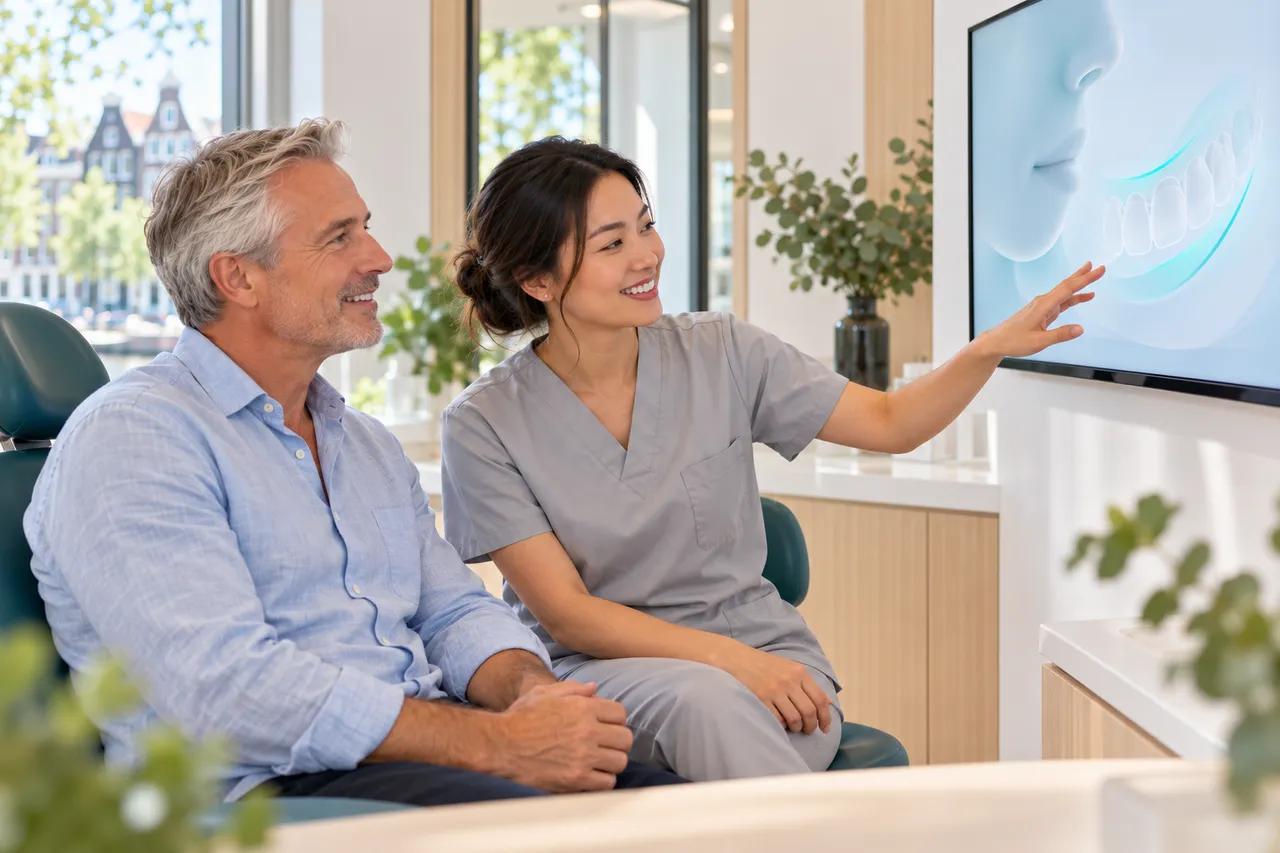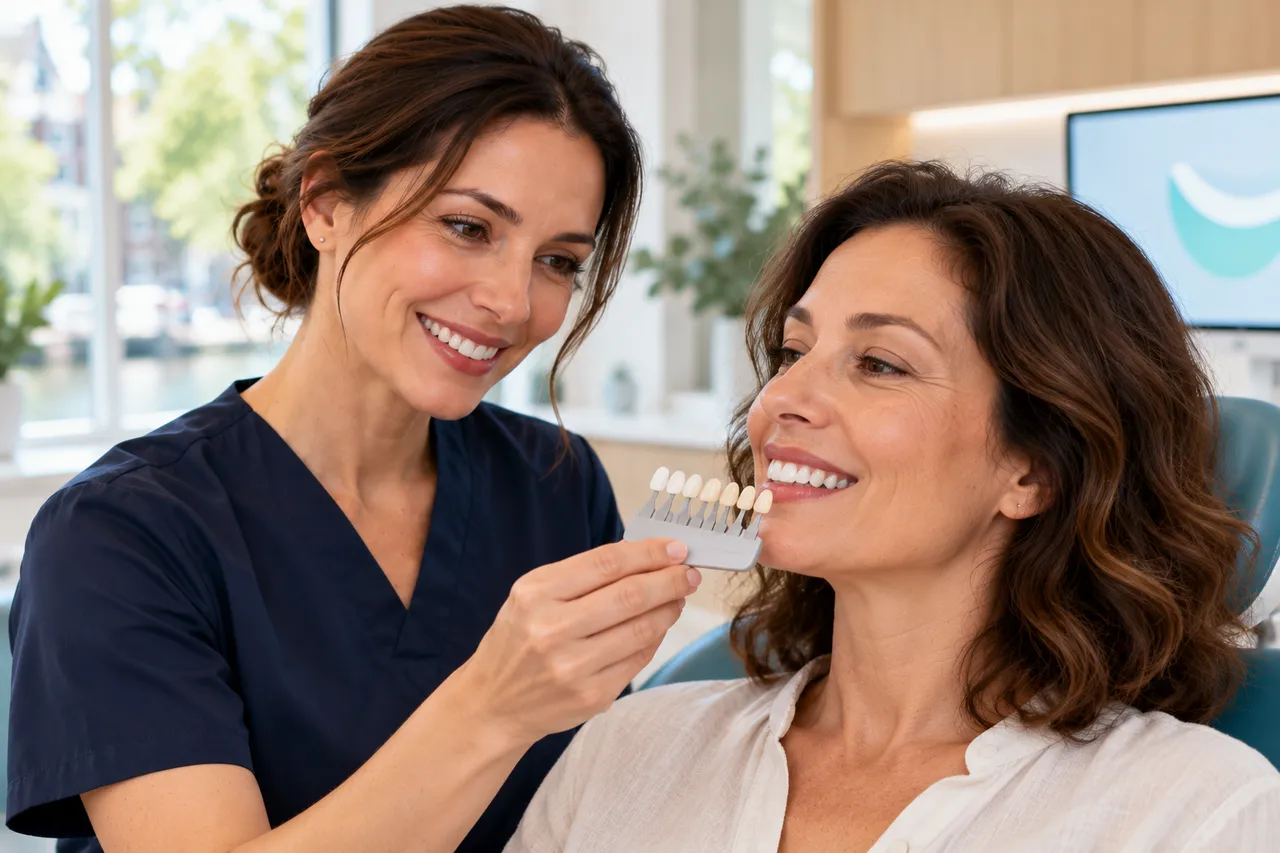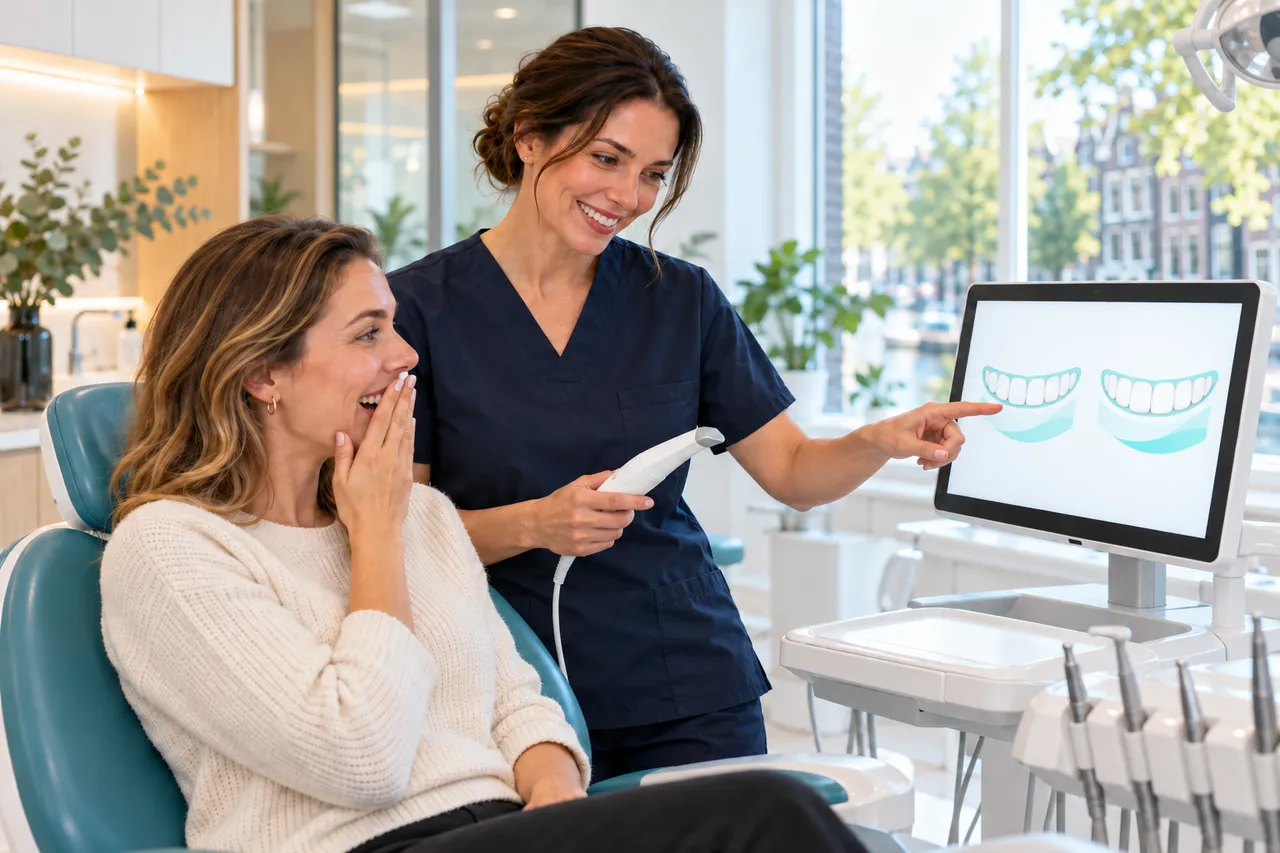
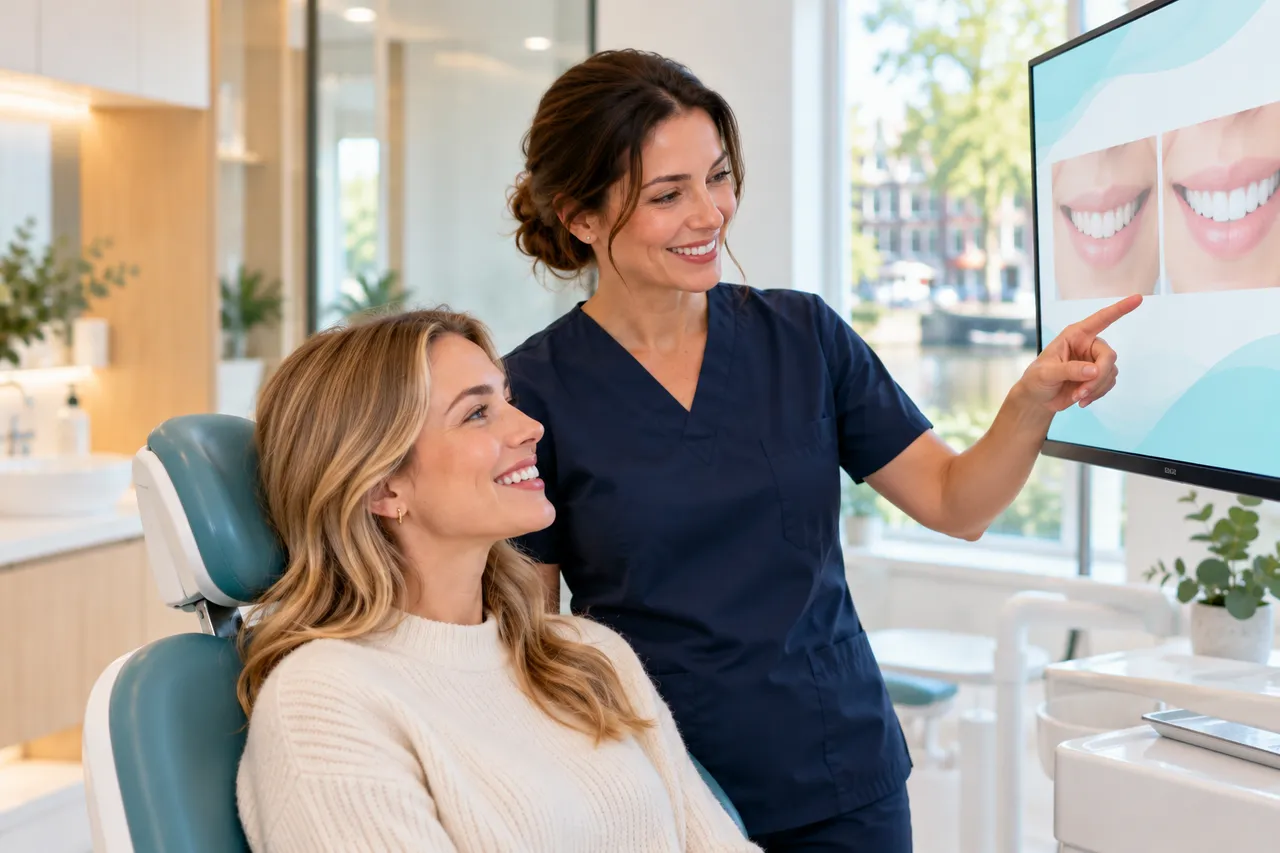
A patient happily views her smile simulation on a large screen.

Smile design for predictable aesthetics.

From photo to smile: design digitally, show it and decide together.

  • Design from photos
  • Clearer patient conversations
  • Link with CAD/CAM
  • For dentists and labs

Suppliers

Innovation for every smile.

In alphabetical order.

International
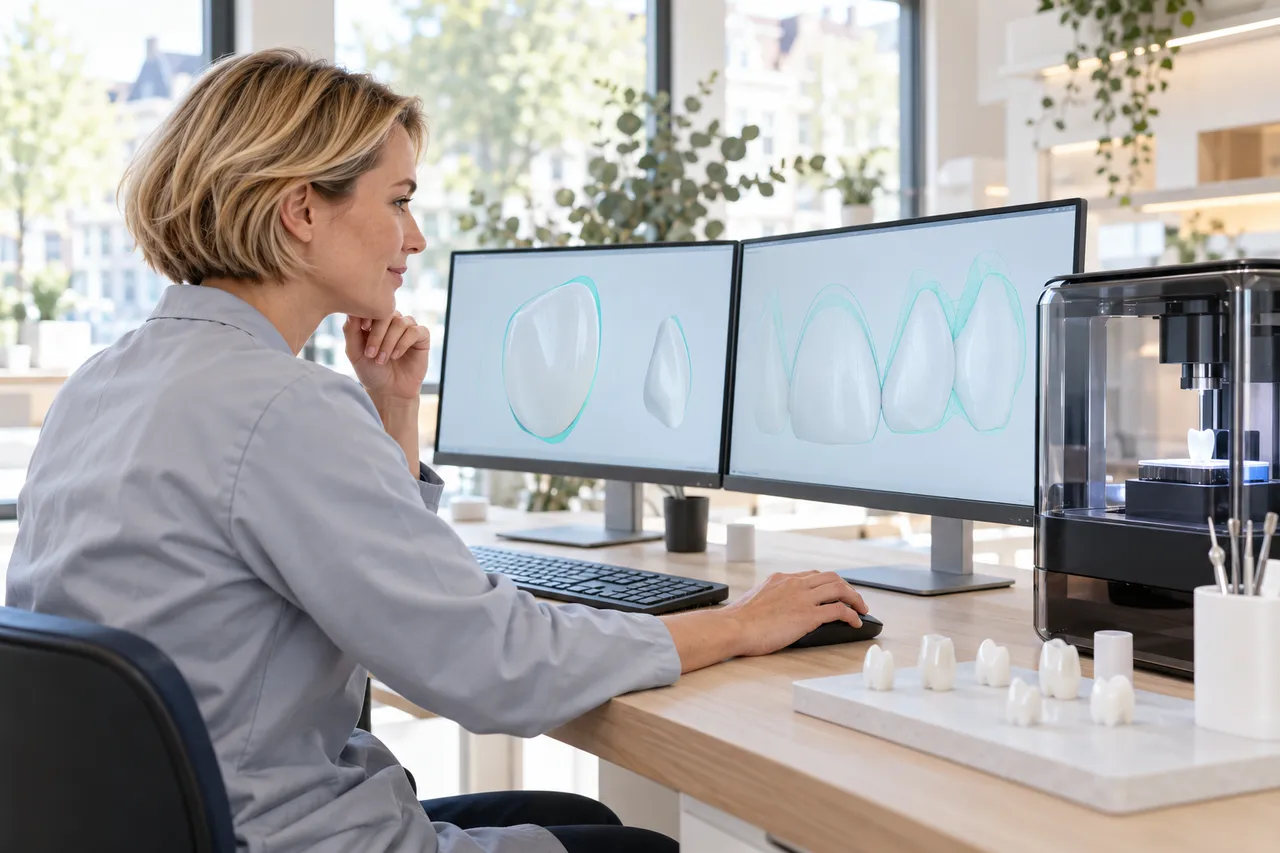
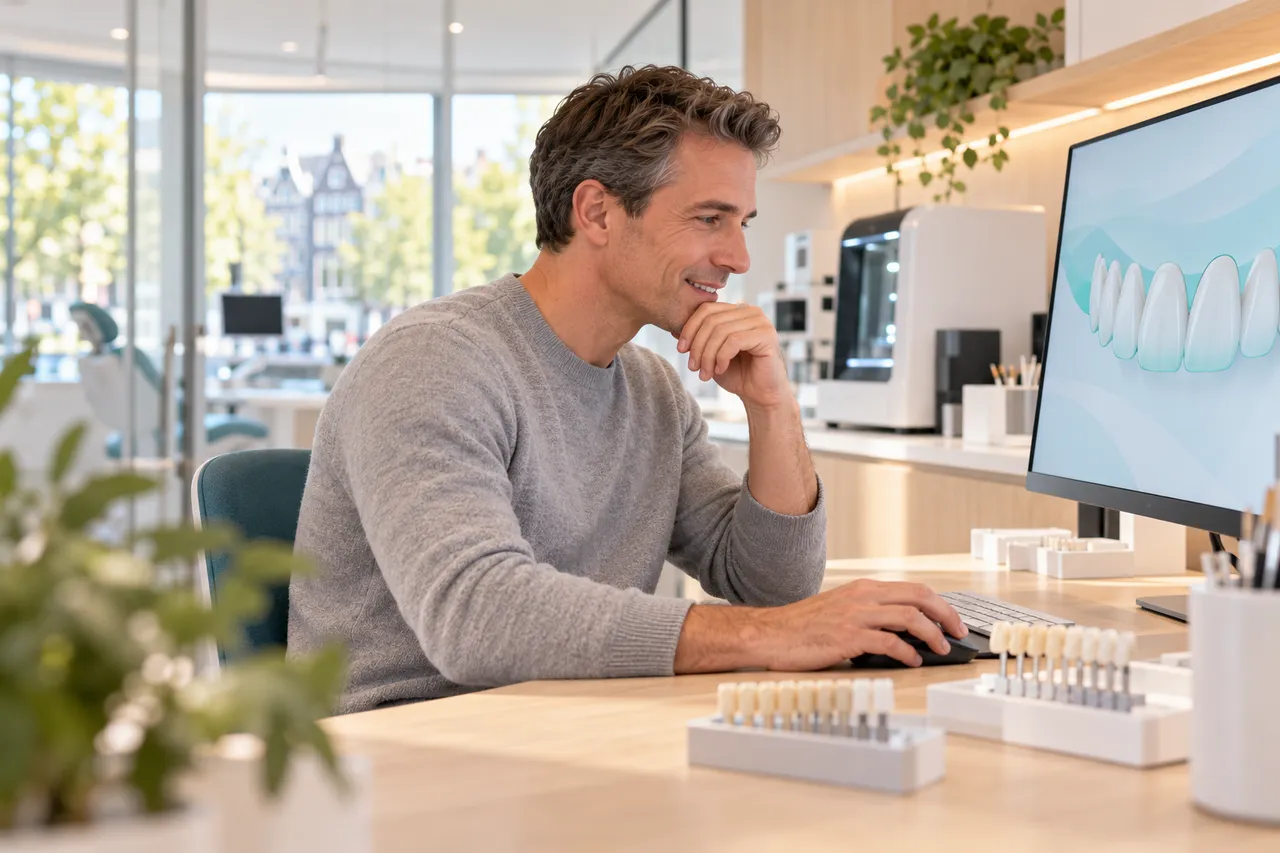
A dental technician designs front teeth on a monitor.

TRIOS Smile Design

Visualises the treatment outcome on the patient’s photos, with a smile library.

  • TRIOS Treatment Simulator for orthodontics
  • Before-and-after app for the patient
  • Part of 3Shape Unite

København, Denmark
International
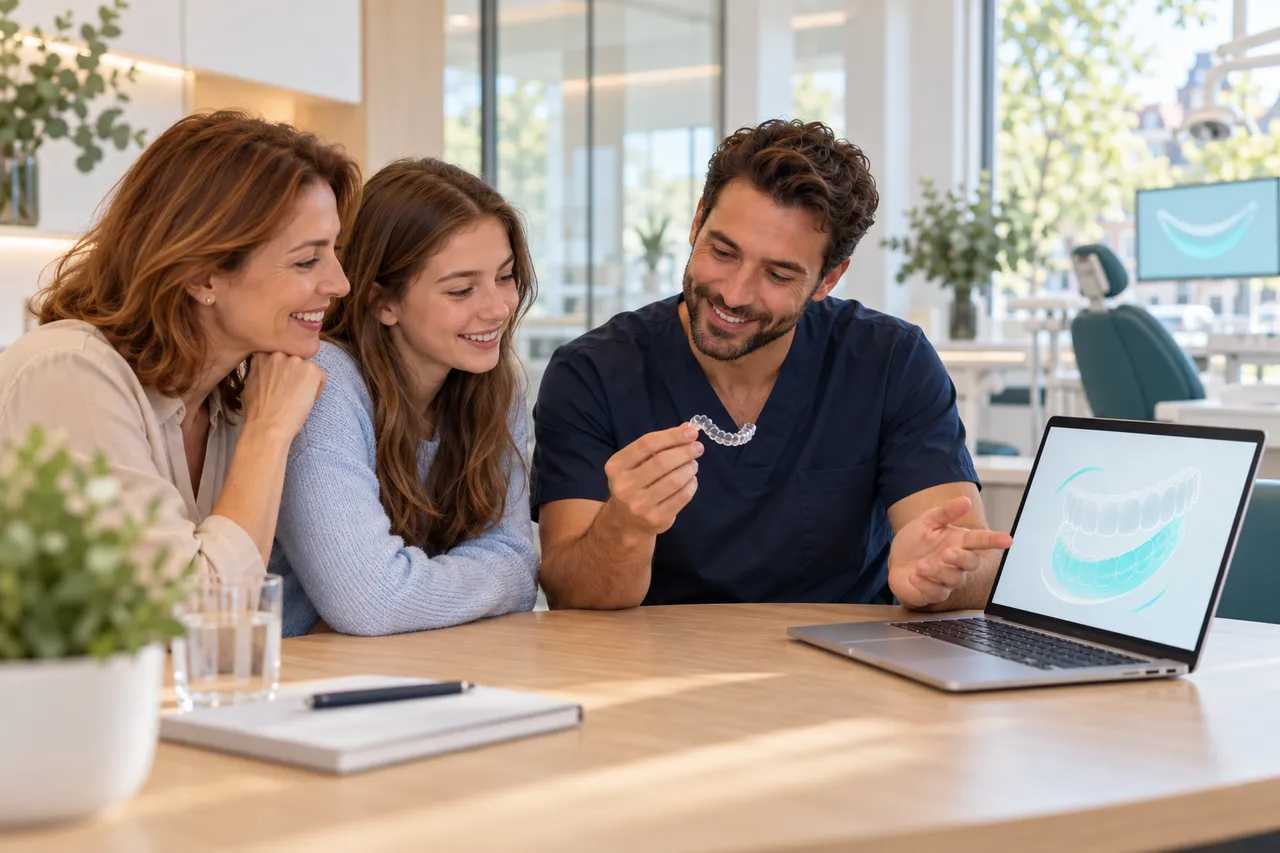
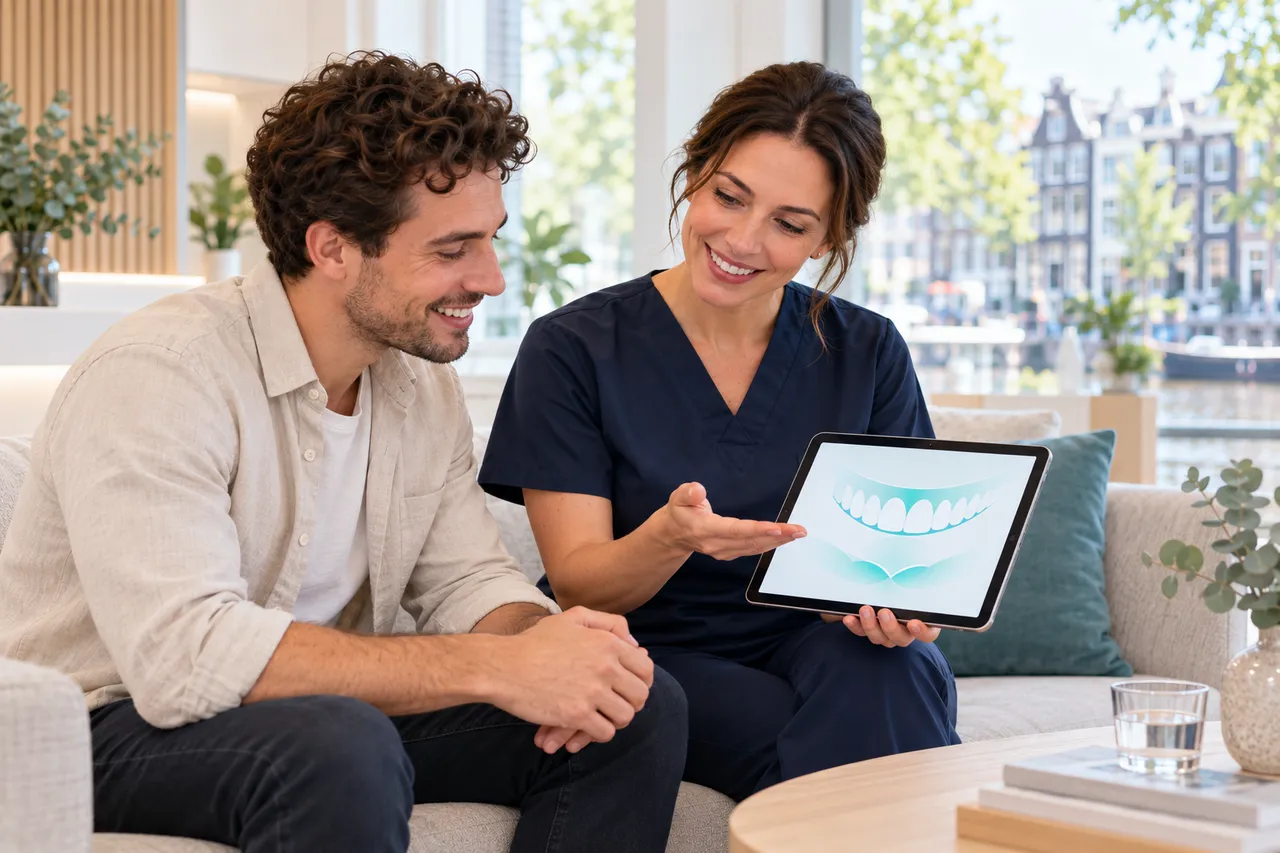
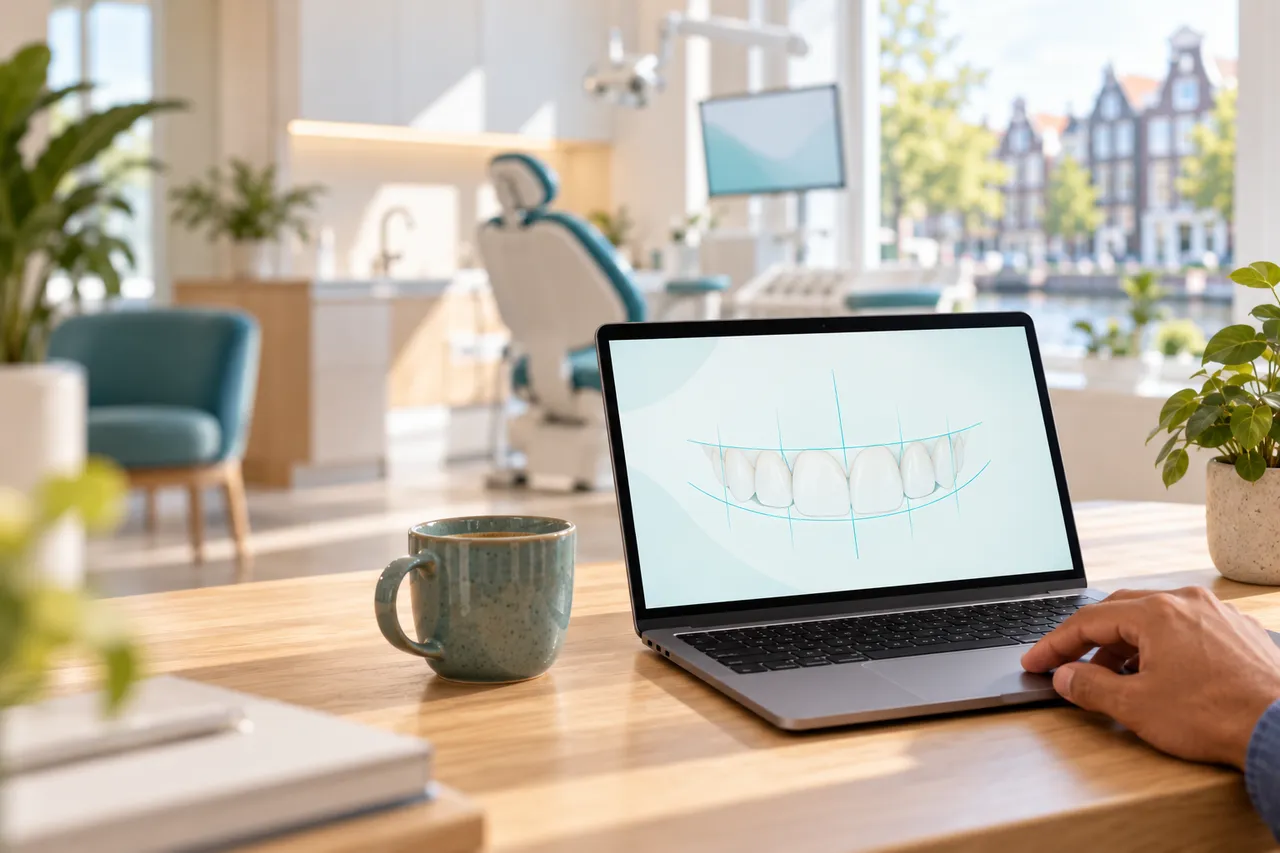
A smile design on a laptop (illustrative).

SureSmile Simulator and DS Core

A 3D view of the potential smile after aligner treatment, from a Primescan scan.

  • Share simulations with the patient
  • X-rays, photos and scans side by side in DS Core
  • Starts from a Primescan scan

Zoetermeer

International
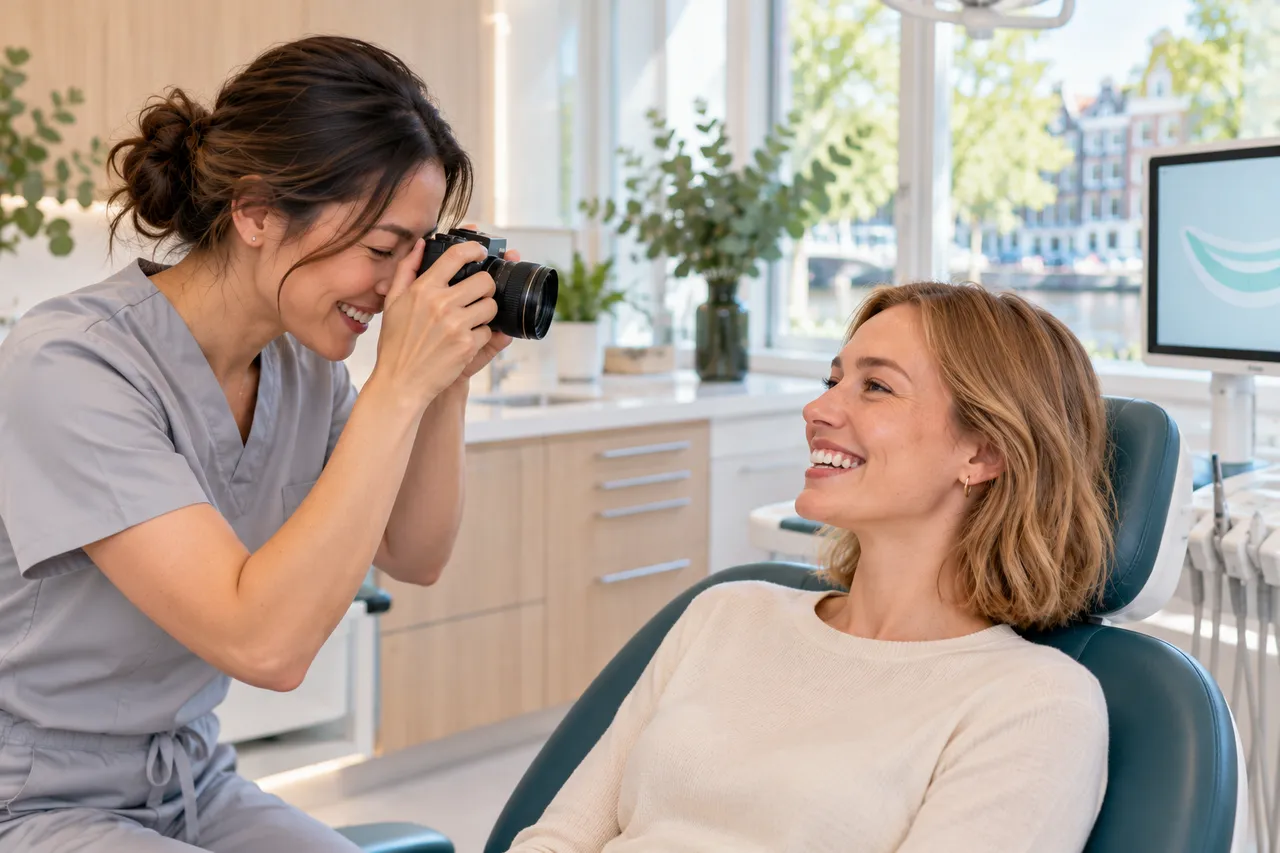
A dentist photographs a patient for smile design.

Smile Creator and TruSmile

Smile design inside DentalCAD that matches patient photos to 3D scans.

  • A real 3D tooth setup for mock-ups
  • Links to exoplan implant planning
  • TruSmile Photo and Video for patients

Darmstadt, Germany

International
A smile design on a laptop (illustrative).

Planmeca Romexis Smile Design

A smile design in minutes from a 2D face photo, exportable to any CAD/CAM software.

  • Preview at the first visit
  • Romexis Ortho Simulator in 3D
  • Export to any CAD/CAM software

Helsinki, Finland

International
A dental technician designs front teeth on a monitor.

Smilecloud and Smile in a Box

AI-assisted smile design in the cloud, with photorealistic designs and before-and-after videos.

  • Designs guided by facial references
  • Video Simulation for patient conversations
  • Integration with Straumann AXS announced

IJsselstein

International
Ceramic milling blocks and a shade guide (illustrative).

VITA Easyshade V and 3D-MASTER

Shade determination as the basis for a natural smile, from a pioneer since 1924.

  • Easyshade V: spectrophotometer for tooth shade
  • VITA Academy courses in shade taking
  • Blocks matched to 3D-MASTER

Bad Säckingen, Germany

At a glance

The key features.

A tick means: stated on the manufacturer’s website, and links to that page. A dot means: not stated, not necessarily absent.

CompanySmile design softwareDesign from photos3D mock-upPatient presentationLink with CAD
3ShapeYesYes·YesYes
Dentsply Sirona···Yes·
exocadYesYesYesYesYes
PlanmecaYesYesYesYesYes
StraumannYesYes·Yes·
VITA Zahnfabrik·····

Digital workflow

From photo to smile.

  1. A dentist photographs a patient for smile design.
    1

    Analysis

    Photos and scans of the patient.

  2. A smile design on a laptop (illustrative).
    2

    Design

    The smile design on screen.

  3. A dental technician designs front teeth on a monitor.
    3

    Try-in

    A try-in to assess together.

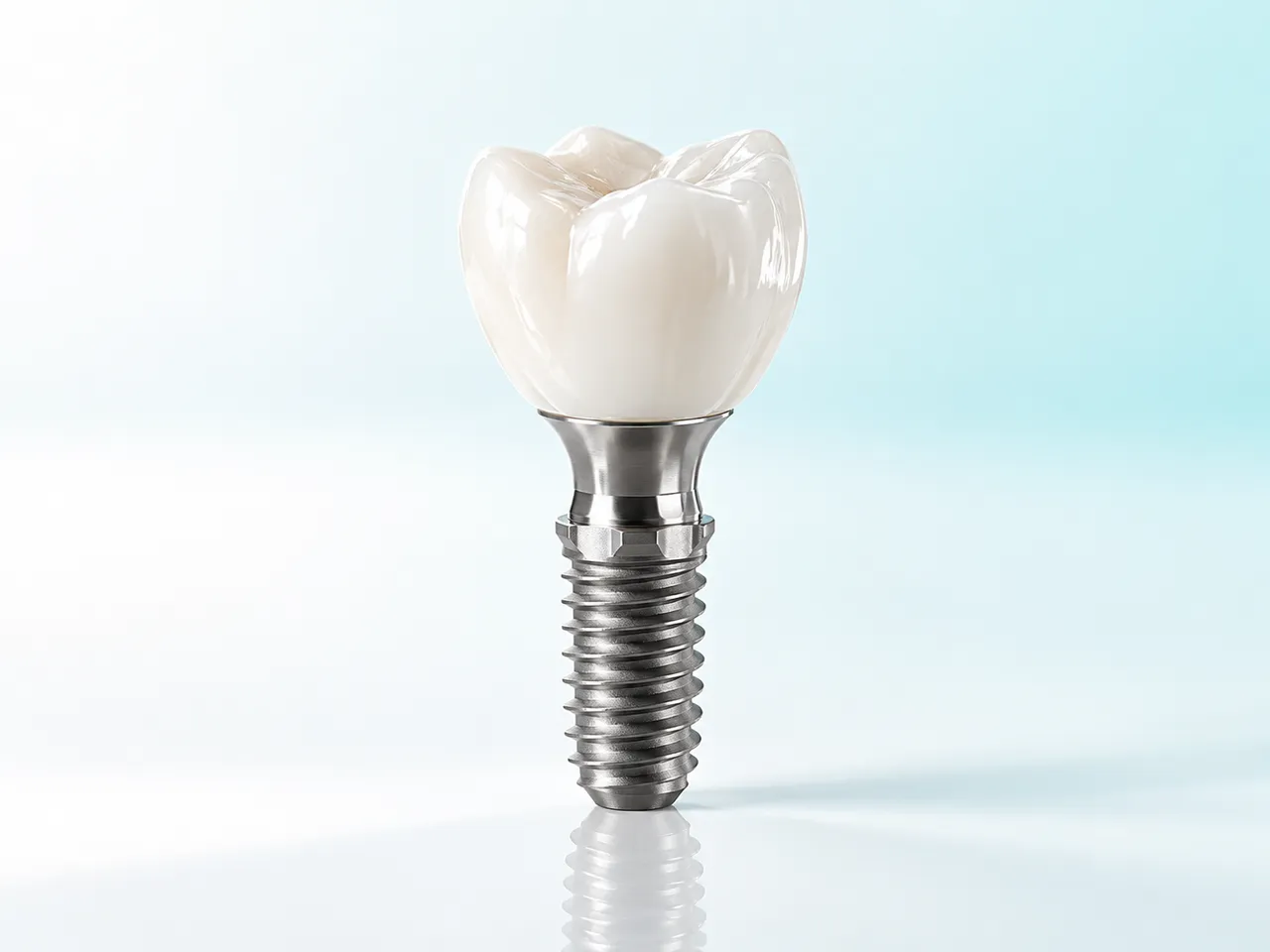
  4. An implant with abutment and crown.
    4

    Restore

    The final restoration.

A speaker presents to a room full of dental professionals.

Knowledge and education

Keep learning.

An overview of CPD and the manufacturers’ own academies.

  • Independent.No supplier decides what you see.
  • Relevance first.Visibility can never buy clinical relevance.
  • From the source.Every fact comes from the company’s own website.

This page is an independent information profile. Being listed does not mean there is a commercial partnership. Product images are illustrative. Facts checked on the companies’ websites on 27 and 28 October 2026.